I’m being followed
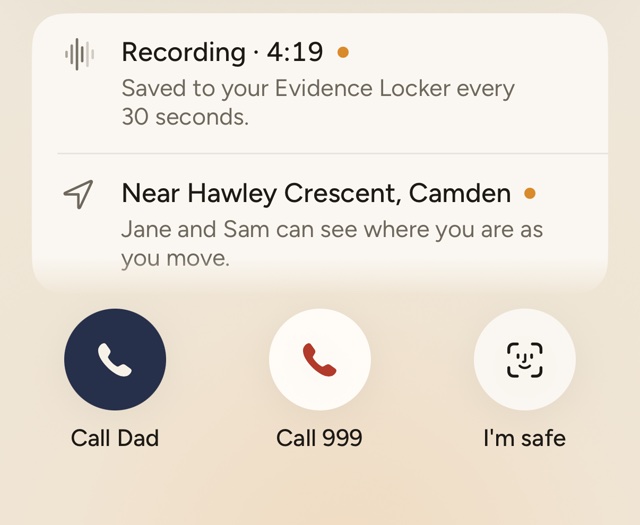
Starts recording, shares where you are with your contacts as you move, points you to the nearest place that’s open and busy, and your caller rings to say they’re coming to meet you.
For iPhone
anzen is a set of quiet tools for the walk home. One tap and your dad rings: a call that sounds like him, from someone who knows where you are. If anything feels off, the people who matter know straight away.
The call
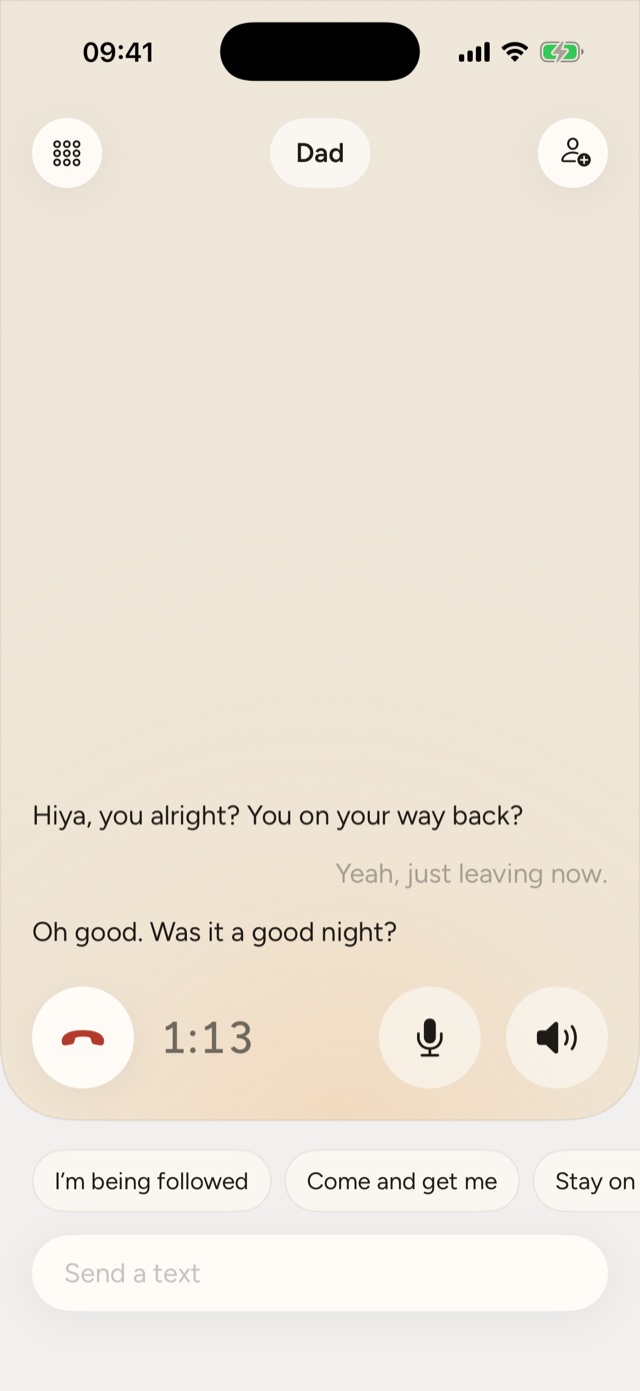
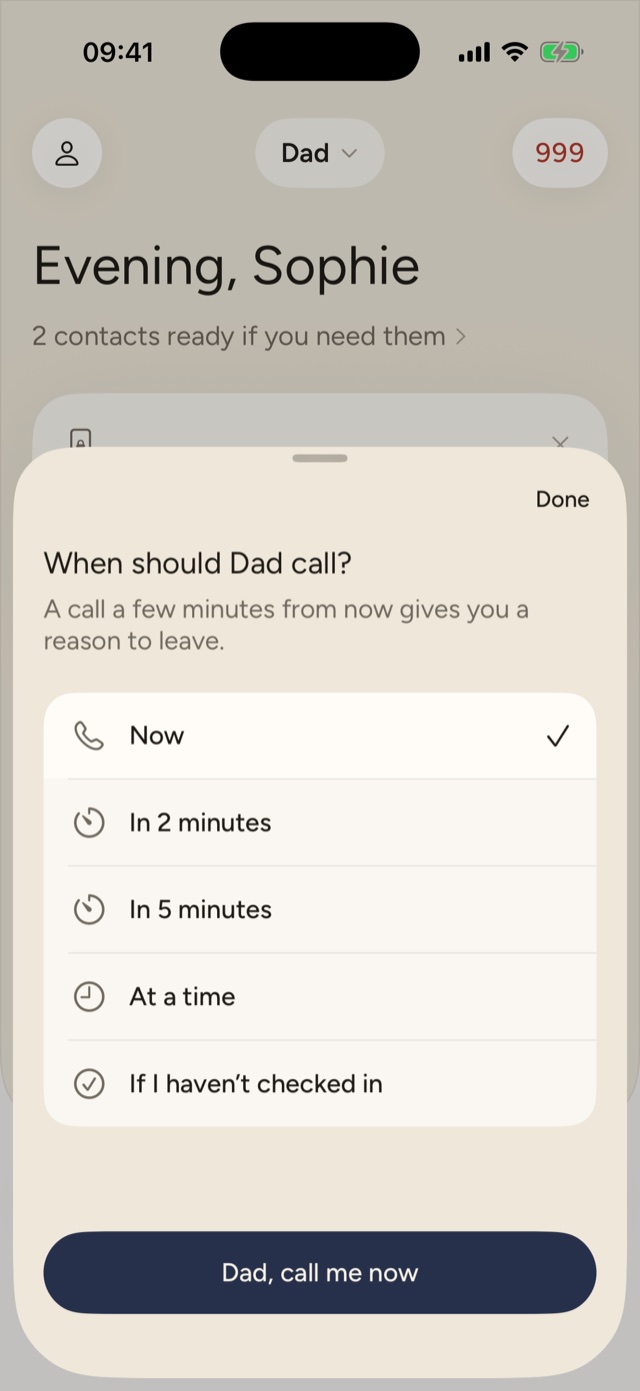
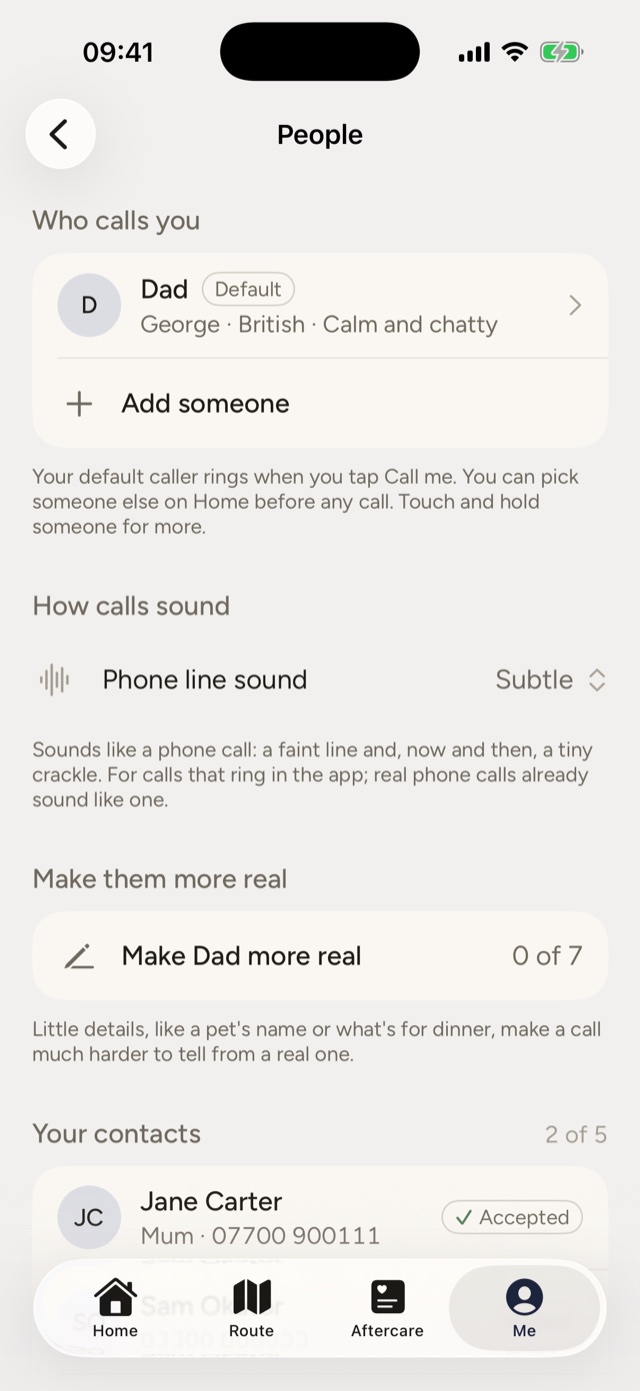
Walking back late, a phone call changes how you’re seen. anzen’s caller is a realistic AI voice playing your dad, mum, sister or a friend. It knows your route, the weather and what’s open nearby, and it talks like family, not a helpline.
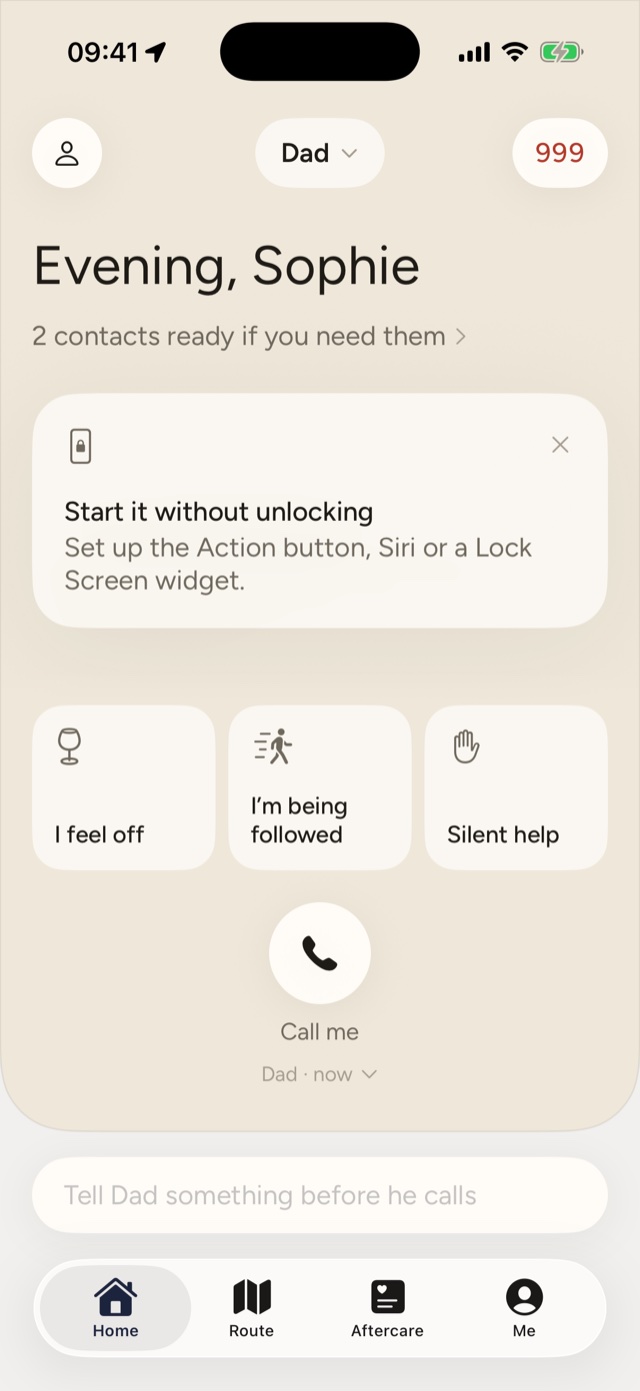
It rings within seconds, or in a few minutes if you need a reason to leave. Start it from the Lock Screen, the Action button or Siri, without unlocking.
Tap a line and your caller answers it out loud, in character, without reading it back. Whoever’s next to you just hears your dad.
Say it on the call and your contacts are told where you are, while the call carries on exactly as before.
The tools
Every tool starts from the home screen in one tap, works on day one with no setup, and looks ordinary from a metre away.
Starts recording, shares where you are with your contacts as you move, points you to the nearest place that’s open and busy, and your caller rings to say they’re coming to meet you.
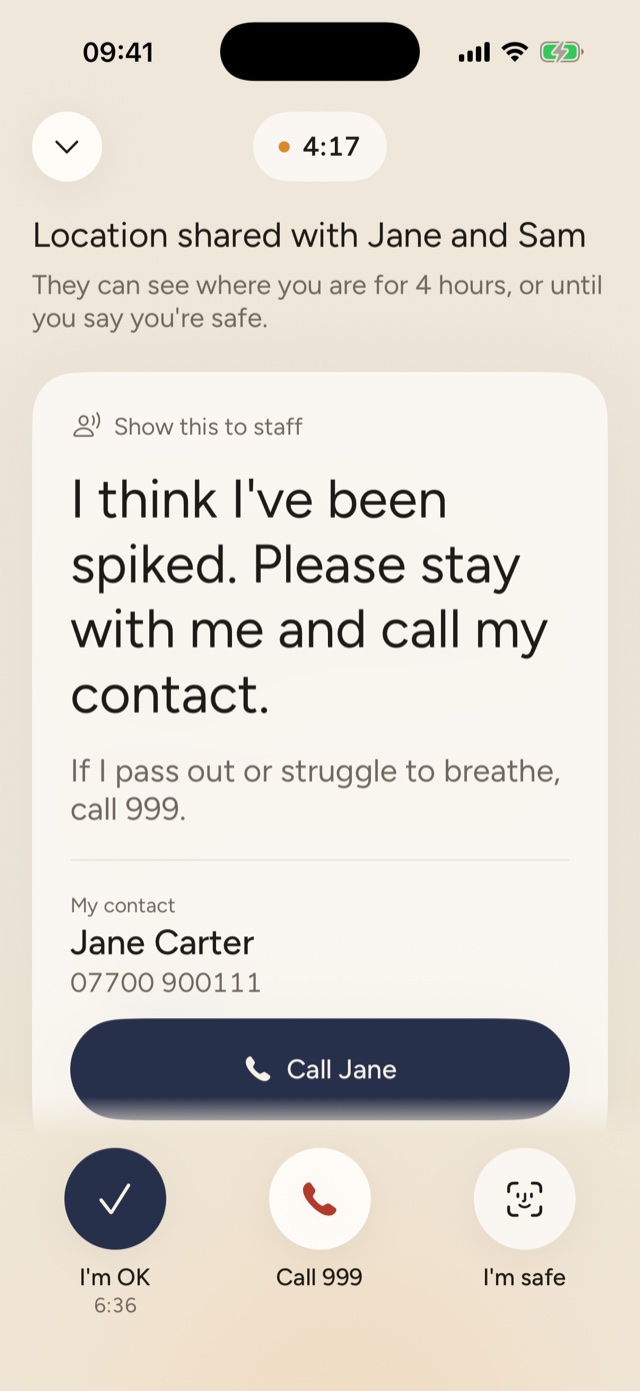
If you think your drink’s been spiked: your contacts are told and can see where you are, a card asks staff for help in plain words, and anzen checks in every ten minutes.
Can’t speak? anzen walks you through calling 999 silently, including pressing 55 on a mobile so you’re put through to the police.
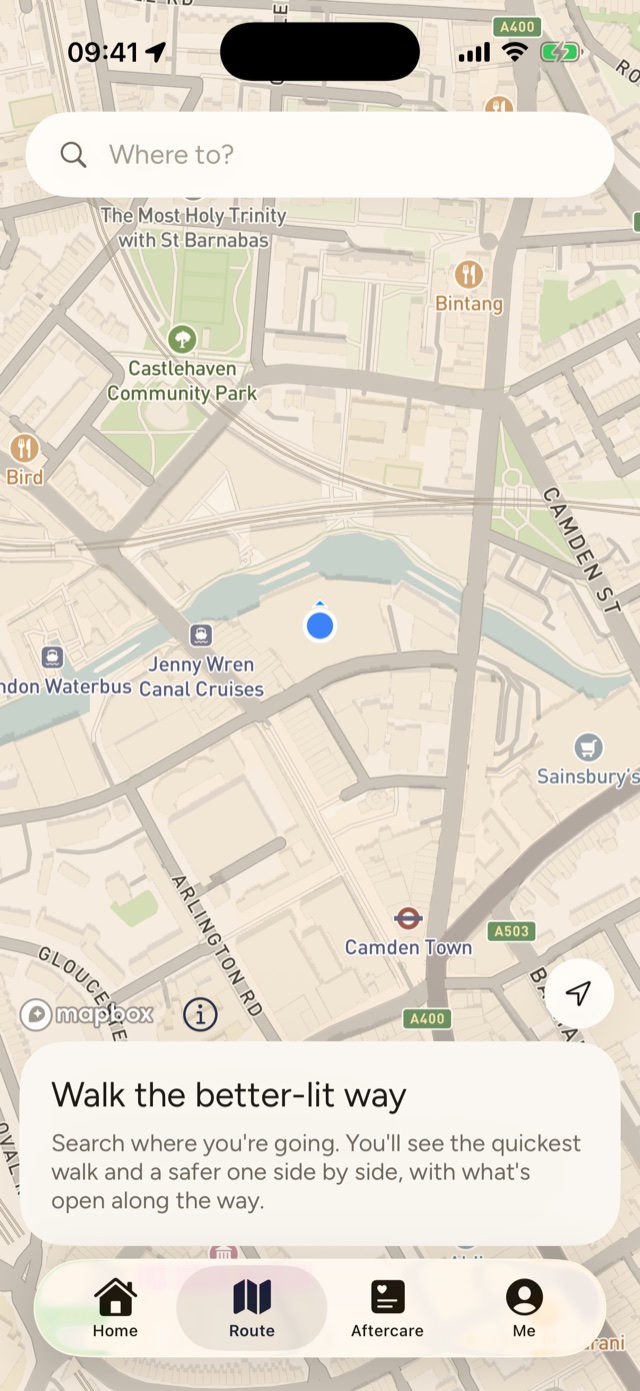
Search where you’re going and see the quickest walk and a better-lit one side by side, with what’s open along the way.
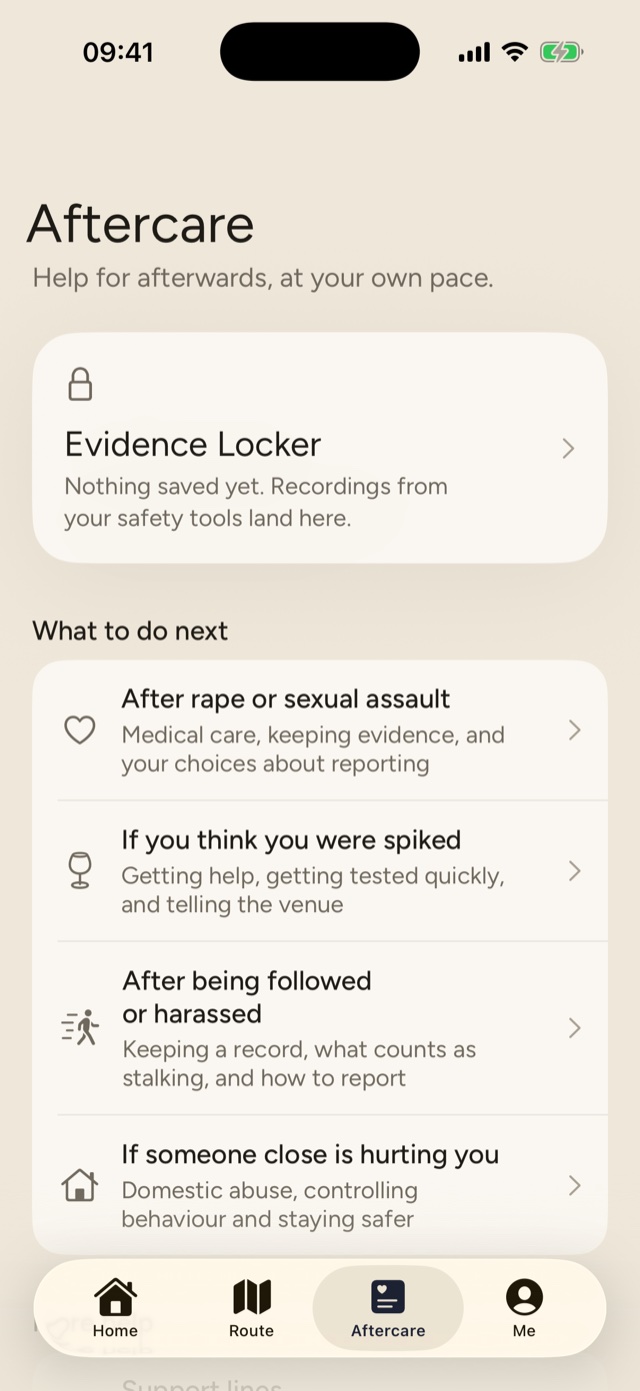
Recordings, call transcripts and photos are encrypted on your phone and only open with Face ID. Kept until you delete them.
If someone checks your phone, anzen opens as a working calculator. Your PIN opens the real app.
Calm guides for afterwards, at your own pace: what to do next after being followed, spiked or hurt, and how to ask about a partner’s past under Clare’s Law.
Inside the app
Big buttons low down where your thumb is, one instruction at a time, and nothing that flashes red over your shoulder.
Privacy
Your location is only shared while something you started is running, and it stops when you say you’re safe.
Your contacts can’t start tracking you, and can’t see where you are at any other time. They only hear from anzen if you need help, and again when you’re safe.
Stopping an alert needs Face ID, so nobody holding your phone can cancel it. A separate duress PIN looks like it stops everything, while your contacts are still told.
Location from each session is kept for 30 days, then deleted, unless you save it to your Evidence Locker. Every time it’s shared, it’s listed in the app.
No adverts, no tracking tools, and your data is never sold. Delete your account and it’s gone from your phone and from our server.
Never instead of 999. anzen makes calling the emergency services faster and points you to it. It never sits between you and the police. If you’re in danger, call 999.

Set it up in about a minute, before you need it.
For iPhone, iOS 18 or later.